Capacitive Touch Monitors Applications
Start with the way the display will be used. These planning notes help shape a useful hardware inquiry; they are not claims of completed installations.
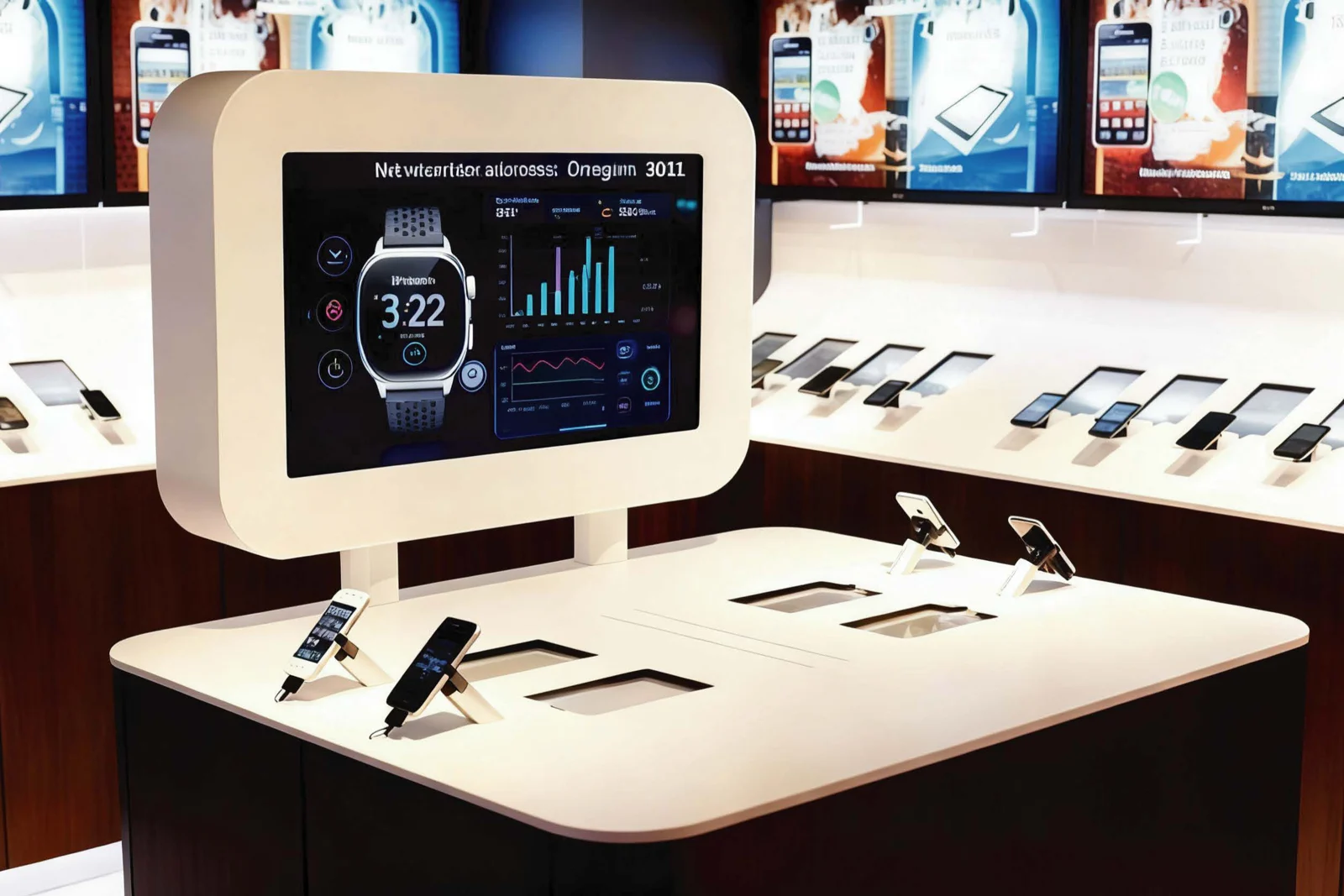
The interface your system needs.
Capacitive touch displays for projects that already have a host computer. Choose a monitor around your video connection, USB touch interface and installation requirements.
Self-service interfaces
Pair the monitor with your own host and application. Review the touch connection, user interface and installation position together.
Explore suitable hardware ↗Retail counters
Plan an interactive display around the counter layout and software already in use. Confirm the quoted ports and mounting details.
Explore suitable hardware ↗Embedded equipment
Send the enclosure drawings and host requirements before selecting the display. Verify dimensions on the approved mechanical drawing.
Explore suitable hardware ↗Interactive development
Use a sample to assess your application on the intended host. Compatibility needs to be checked against the actual operating system and software build.
Explore suitable hardware ↗Let’s specify your next display project.
Share the application, quantity and destination. We’ll discuss the configuration your project needs.